I finally bit the bullet. After years of running my trusty TrueNAS CORE server, I decided it was time to make the jump to TrueNAS SCALE — the newer, Linux-based version that’s now iXsystems’ main focus.
When CORE officially moved into “sustaining engineering” in early 2024 — meaning no more new features, just maintenance and security updates — I knew I had to migrate sooner rather than later. By April 2025, with the release of SCALE 25.04 and the final CORE update (13.3-U1.2), the priority of this task became even greater. However, I knew upgrading would take me quite some effort, so I kept postponing it. Until last week, when the wife was out of town and I could work undisturbed deep into the night for a couple of days while the kids were in bed.
TrueNAS? Core? Scale?
Hold on, not so fast I hear you think. What even are these programs I’m talking about, and why are they relevant?
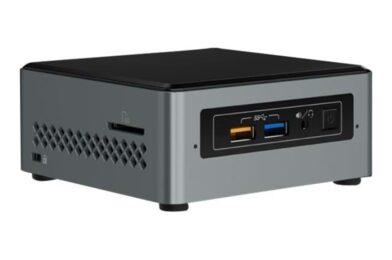
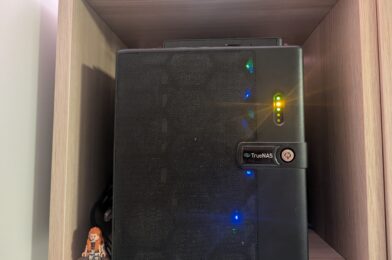
All right, in September 2021 I bought myself a TrueNAS Mini X+ as my new private NAS server. After previously running my website on an Intel NUC, I quietly upgraded to a proper NAS. I kept the NUC solely for Home Assistant, and moved the rest of my smart home stack to the new Mini X+. TrueNAS CORE was the Operating System (OS) I used for my NUC as a home server, so it made sense to continue using it on my new hardware.
TrueNAS CORE is an open-source OS specifically designed for servers and network-attached storage (NAS). It’s built upon FreeBSD and is widely praised for its rock-solid stability.
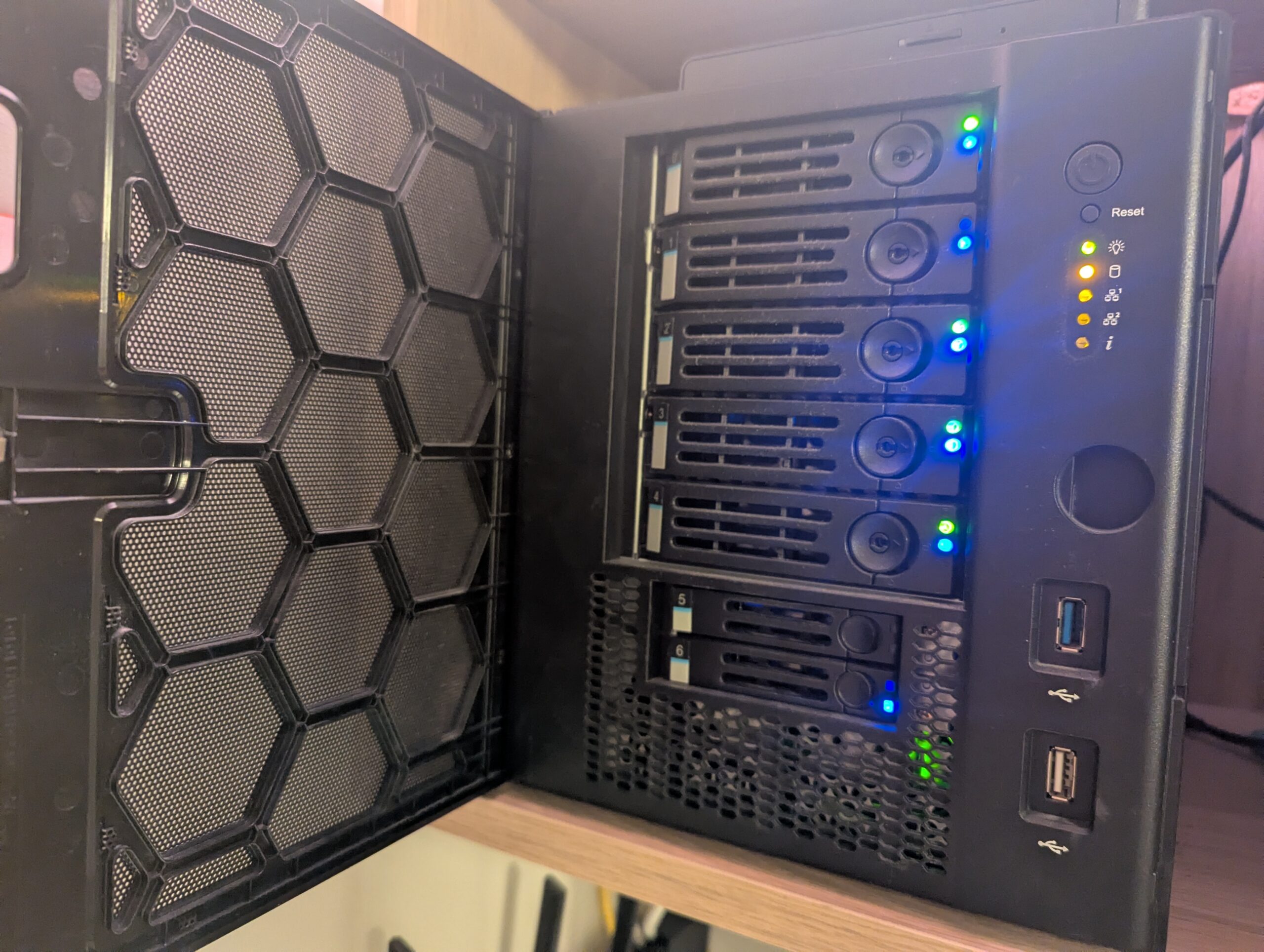
TrueNAS Mini X+
Also around this time, iXsystems — the company behind TrueNAS — released the first public beta of TrueNAS SCALE, a new OS built upon Linux. In their early announcements, they explicitly wrote: “Production users with standard NAS (NFS, SMB, iSCSI, S3) requirements are still advised to use TrueNAS CORE … SCALE has inherited some of that maturity … but has not completed its software quality lifecycle.”
That was fine by me. I already knew my way around CORE and had a good, stable NAS system running, which I simply migrated to my new hardware.
FreeBSD offers a way to run isolated extra applications through a feature called jails. Programs in jails operate independently from the host system — like mini-sandboxes – but share the same kernel as the host system making them far more efficient than full virtual machines.
Over the last four years, I’d built up a stack of nine jails hosting a total of fourteen different programs:
- Adguard – blocking ads on my home network.
- Grafana – fancy graphs for showing smart-home data.
- WordPress – this website.
- Mosquitto – MQTT server for collecting smart-home data.
- Nextcloud – a private alternative to Dropbox or Google Drive.
- Plex – a private alternative to Netflix.
- Handbrake – ripping DVD’s for my Plex library
- Radarr/Servar/Readarr/Prowlarr/Transmission – automated torrent indexing and downloading.
- Nginx Reverse Proxy – allowing access from the internet to my internal programs.
However, as time went on, TrueNAS SCALE matured and began to outpace CORE in terms of features, app support, and active development. By early 2024, iXsystems had officially confirmed that CORE would only receive critical fixes going forward, while SCALE would be the focus for all new functionality. Then, in April 2025, they released SCALE 25.04 alongside what was announced as the final CORE 13.3 update — version 13.3-U1.2 — effectively marking the end of the CORE development line.
And that gave me a bit of a problem.
See, migrating from CORE to SCALE is usually pretty painless — the official tools can migrate nearly all system settings and file shares automatically. However, one of the major exceptions is jails (the other being virtual machines, which I didn’t use). Since SCALE is built on Linux, it relies on Docker containers to run extra applications. Docker containers are inherently different from FreeBSD jails, so they can’t be transferred automatically. That meant I had to rebuild all fourteen of my programs manually, which I expected would be… well, a bit of a pain and pretty time consuming.
I’d actually been keeping an eye on SCALE for quite a while and had considered migrating since version 24.10 (released in October 2024). After a year of postponing — and finally having a few quiet days at home in October 2025 — I decided to go for it: time to future-proof my NAS and take advantage of the new features that SCALE offers.

Migrating to SCALE
The entire migration process ended up taking a week. As in, I started on a Friday… and wasn’t done until the Thursday after.
Friday evening – Backup & migration
I started by taking backups of all my programs. The migration from CORE to SCALE is a one-way process, so I wanted to be absolutely sure nothing important got lost. Luckily, most backups were straightforward.
WordPress? Used a plugin.
Reverse proxy? Just copied the proxy.conf file.
Radarr and Sonarr? Clicked the handy “Backup” button.
Nextcloud was the only one that needed a bit of command-line work to dump the MySQL database.
All in all, after about two hours, everything important was backed up. Since my files would still be accessible after the migration — and I also have an off-site backup — I didn’t bother backing up large media files like my Nextcloud data or Plex library. I just focused on configuration, databases, and anything I couldn’t easily recreate.
For completeness, I also backed up all my NAS settings, certificates, and took screenshots of important automation schedules. That turned out to be unnecessary, because the OS migration itself was incredibly smooth. In CORE, go to Settings -> Update, choose SCALE 24.04 and press Download & Apply. One coffee later, my Mini X+ rebooted and greeted me with the shiny new SCALE login screen.
To my surprise, all my system settings — users, permissions, certificates, shares — had migrated perfectly. By that time it was getting late, so I decided to quit on a high note and leave the app setup for the next day.
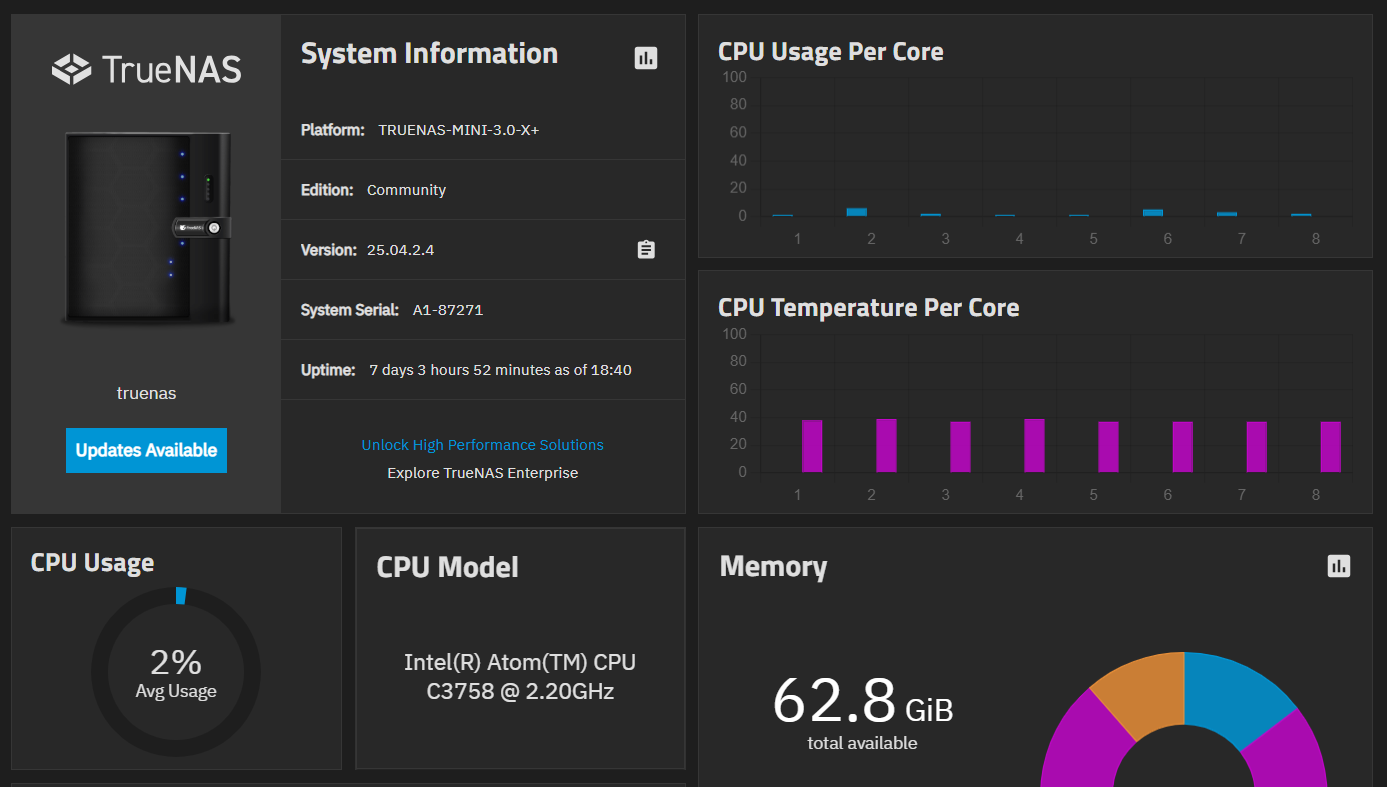
Saturday evening – Reverse proxy & Docker containers
After some initial poking around (okay, I admit it — I tried to install all my apps simultaneously because I’m impatient, which naturally failed spectacularly with a flood of error messages I didn’t understand), I figured it was best to start by getting the reverse proxy back up and running. After all, most of my other apps rely on it, and it didn’t seem like the most complicated one to start with.
The thing with Docker containers is that their filesystem is normally hidden from the user. Depending on the app, SCALE allows you to mount certain directories as easily accessible folders on the host system. This was new to me, and it forced me to think about a good way to organize everything. It also took me a while to realize that, for this to work, both the folder and all parent folders you’re mounting into need the correct permissions — otherwise the mount fails and the app won’t start.
To keep things simple, I ended up creating a new dataset in the root of my filesystem called Apps. Inside that dataset, I created a child dataset for each app I wanted to mount. The main Apps dataset has broad access permissions, while each app dataset is tailored to its specific needs. I figured that should be secure enough for my setup.
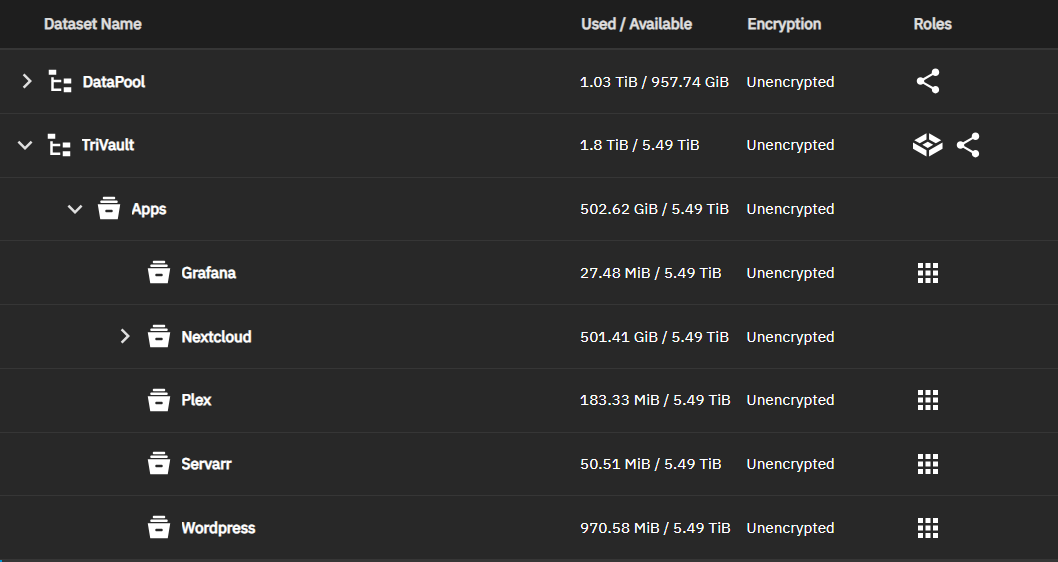
That evening, I managed to get the reverse proxy up and running. As a bonus, I now had a fancy web interface to configure it – something I didn’t have before. I also got AdGuard up and running. While researching how to set up the reverse proxy, I stumbled across something called Cloudflare Tunnel, which might allow me to get rid of the reverse proxy. Hmm… well not now – let’s try and reach parity with the old system first.
Sunday evening – Formula 1
Sunday was race day, so priorities were clear.
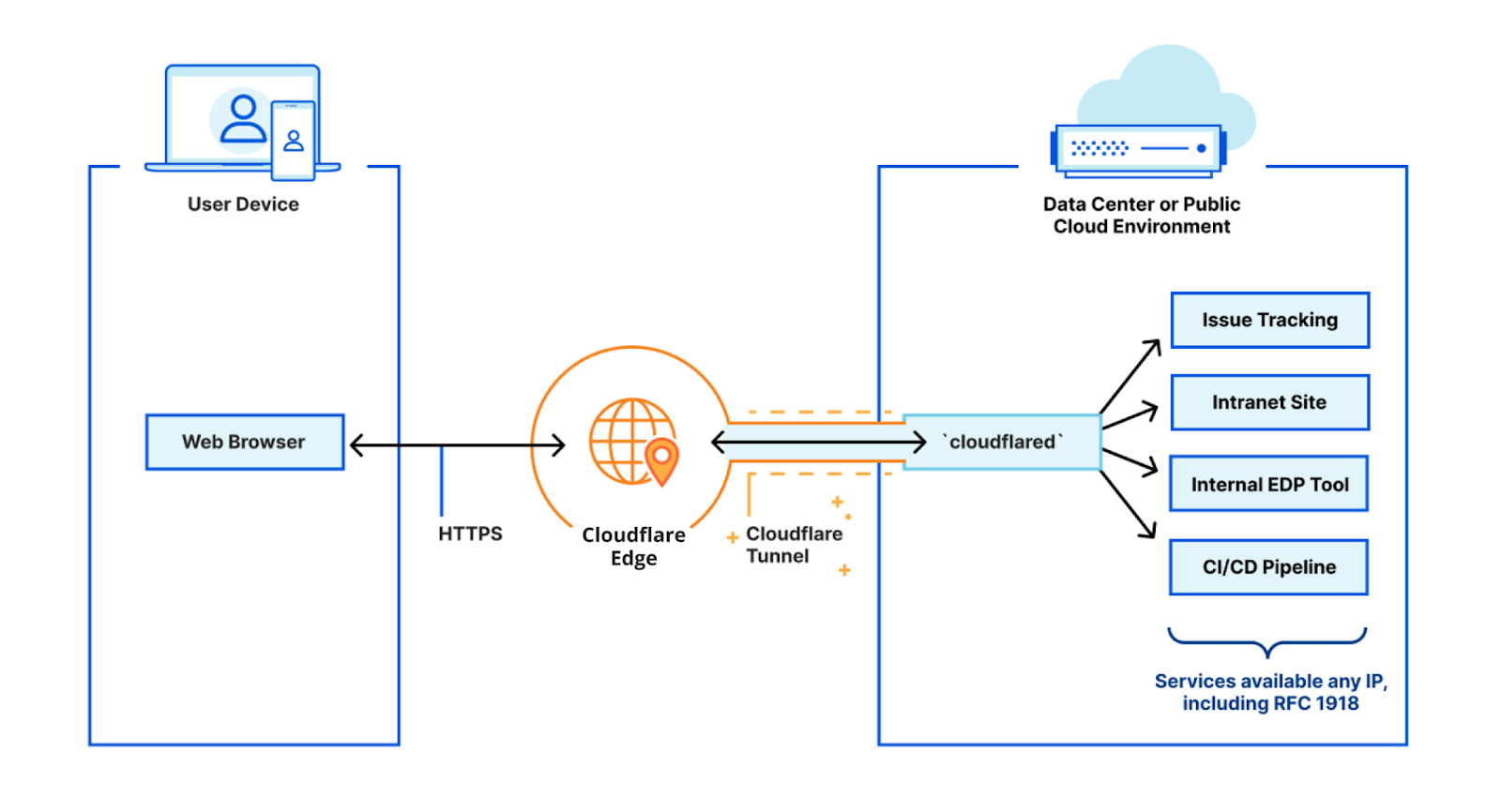
Though before the race I looked some more at Cloudflared (Cloudflare’s tunnel client). It’s a small program that creates a secure, outbound tunnel between my home server and Cloudflare’s network. This lets you access services like Nextcloud or WordPress remotely — no open ports, no self-signed certificates, no dynamic DNS updates. Everything runs “securely” through the tunnel. I say “securely”, because the downside is that Cloudflare is in charge of security, and because of that in theory can see all my network traffic.
Monday – Nextcloud
Monday was dedicated entirely to Nextcloud.
The official Nextcloud app in Truenas SCALE uses a PostgreSQL database, opposed to the MySQL database I was using previously – and had a backup for. My inexperience using docker, lack of a computer running Linux and general inexperience with databases meant that it took me a good part of the day to figure out how to convert my MySQL database into a PostgreSQL database. For those interested, what worked in the end for me was to:
- Set up 4 docker containers:
– Nextcloud – This is where we eventually want the database to go.
– Pgloader – A tool to convert between MySQL and PostgreSQL.
– MySQL:8.0 – Important this is version 8.0 or lower, otherwise PgLoader doesn’t work.
– PostgreSQL – a separate container to load the database into. - Load the MySQL backup into the MySQL container.
- Use PgLoader to migrate the database from MySQL to PostgreSQL.
- Dump the PostgreSQL database and restore it into the Nextcloud container.
Apart from the database, I also had troubles mounting my files correctly to the docker container, and getting the permissions of the datasets to match. So in addition I used a lot of time making sure Nextcloud could actually find my files. I left out a lot of troubleshooting here, the entire process took me almost 14 hours to get right.
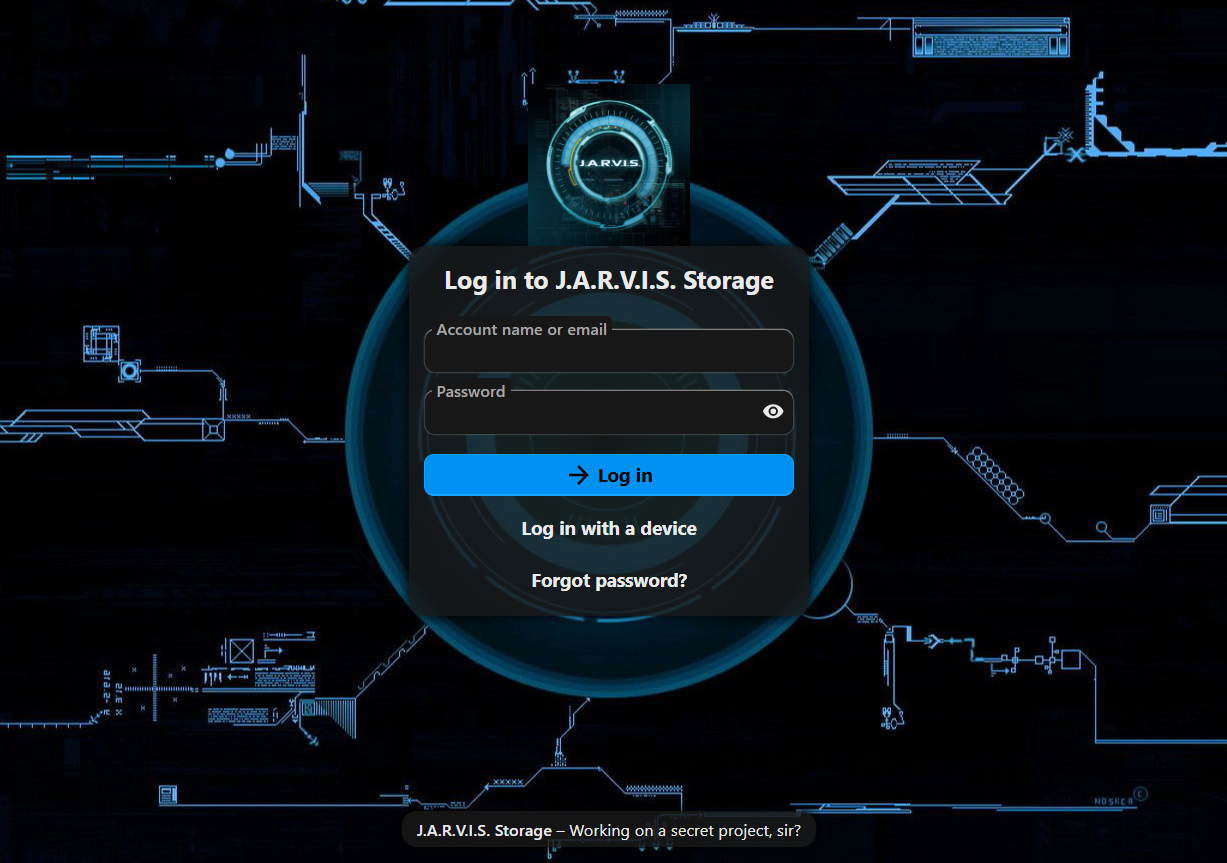
My Nextcloud login page. I was very happy when I saw this again.
Tuesday – Cloudflared, Radarr/Sonarr, Plex
On Tuesday, I gave Cloudflare Tunnel a proper test. I disabled my reverse proxy, set up Cloudflared, and configured it to expose my Nextcloud instance to the internet. So far, performance looks great — and it’s far easier to maintain than my previous Nginx setup. I’ll be testing this out to make sure it performs well in the upcoming weeks/months, but it is looking promising and an easier to use alternative than my reverse proxy setup. And I trust that one of the largest online security providers in the world is able to handle my data securely and discretely – their entire business model is based around that.
On Tuesday I also re-installed my Radarr/Servarr and Transmission setup. Radarr (for finding movies) and Servarr (for finding series) luckily had easy to use restore functions, so setting them up was very easy, especially after all my troubles from the day before. Transmission is just a downloading tool, so no need to do any restoring there.
I also re-installed Plex. The Plex backup itself worked flawlessly, so all my settings were still there. It however turned out that I had messed up the access permissions to my movie files – I suspect it was an issue with the dataset they were in – but instead of trying to find out how to fix it I decided to start from scratch, delete everything and re-download/re-rip movies when I see the need for them. No big deal, after my wins with the other apps (getting Nextcloud back was much more critical) I was comfortable taking this loss. And it freed up a good chunk of hard disk space.
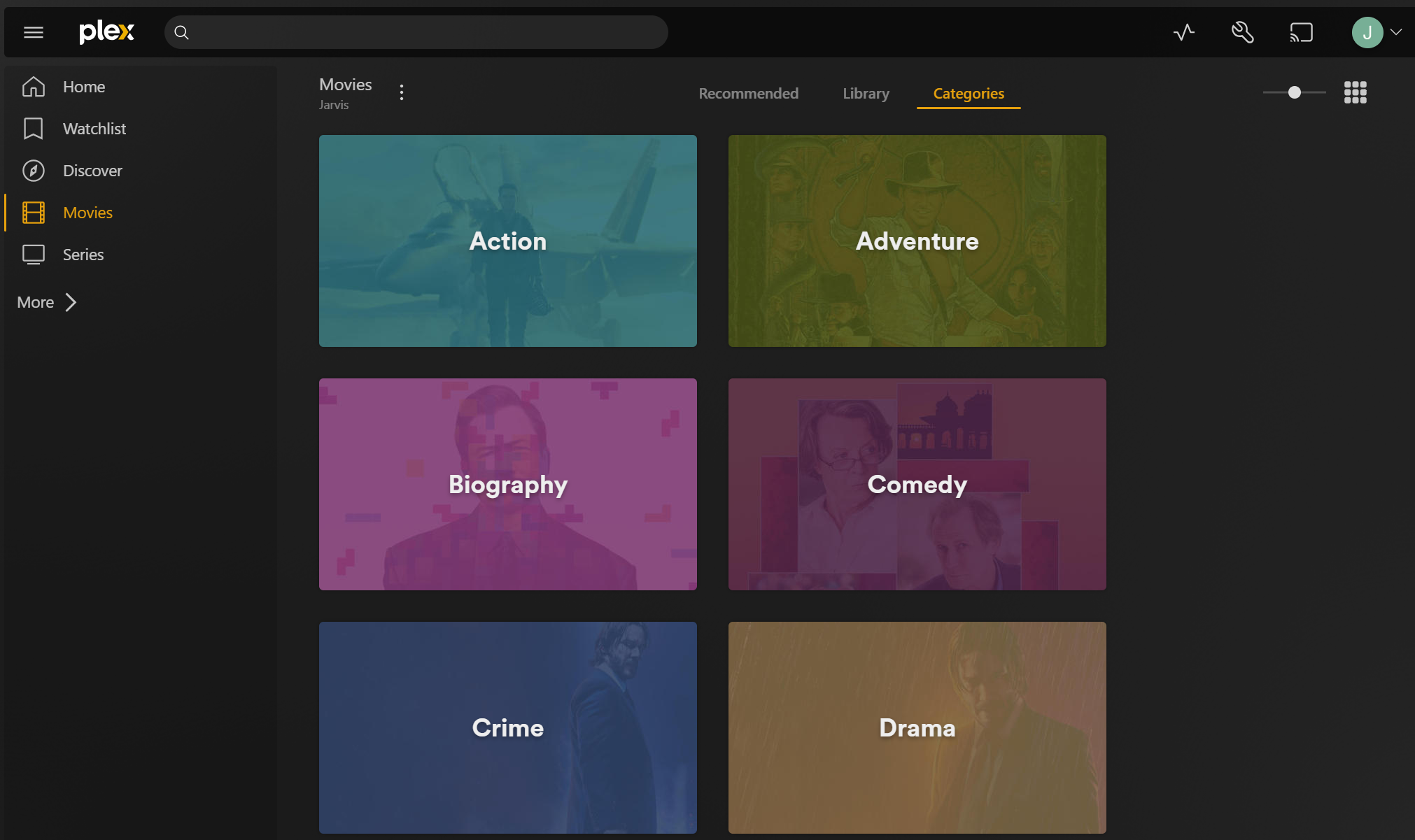
Plex (my personal Netflix) back up and running.
Wednesday evening – Grafana & InfluxDB
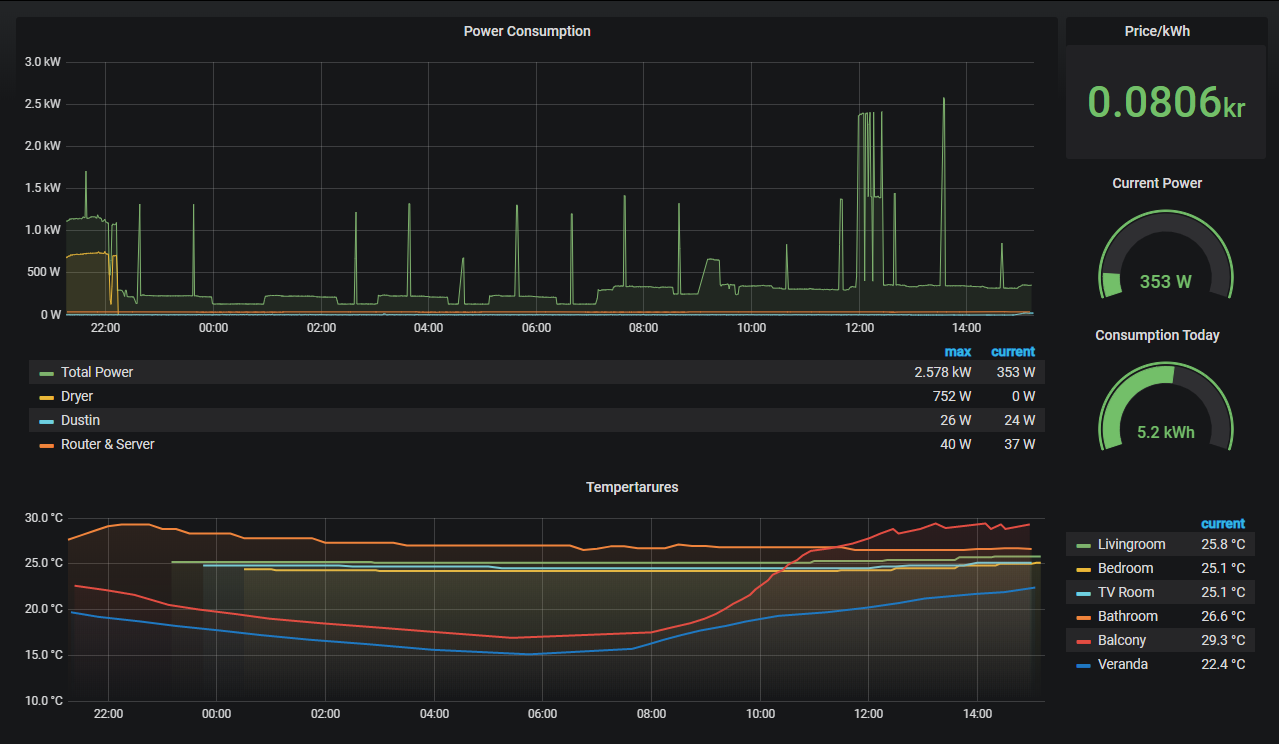
Wednesday was for the smart-home dashboard Grafana (and InfluxDB).
On CORE, I had used the official Grafana plugin, which came bundled with InfluxDB v1. On SCALE, the Grafana app no longer includes InfluxDB, so I had to install both separately.
The difficulty here was the age of my influxDB database. When I set up the original Grafana plugin in 2020 InfluxDB v2 had just come out, but ‘everything’ still ran on the older v1, including the plugin. This had never been updated, so getting up to speed on the ‘new’ v2 nomenclature and updating Home Assistant – which pushes data to the database – to use the new api took a bit of research. But after an hour or 2 I also had this up and running again.
Thursday evening – WordPress
Lastly, I turned my attention to WordPress and getting the website you’re looking at now back online. I’d actually tried to get a WordPress app running earlier in the week, but for some reason it kept failing on me. In the end, I discovered that one of the storage mounts in the app settings was causing the issue — specifically the WordPress MariaDB Data Storage. Since I didn’t need external access to that anyway, I left it internal to the Docker container. With a fresh WordPress site I used a migration tool to restore my website and all its settings.
That was the last piece of the puzzle. For those paying attention I did not migrate the Mosquitto app, as that had actually become obsolete a few months earlier due to changes in my smart home setup. After a week of work I had successfully migrated from CORE to SCALE.
So what now?
SCALE makes it easy to pass through a GPU to your apps. My Plex setup will benefit a lot from that — it enables GPU Transcoding, which should let it stream high-definition video across the network more smoothly and (hopefully) get rid of the occasional stuttering we’ve been seeing. I have already ordered a new GPU for exactly this purpose.
On top of that, the app library in SCALE is much larger than the old plugin library in CORE, so I’ll have plenty more apps to experiment with in the future. And since everything runs as Docker containers, I can even spin up my own if something isn’t available as a pre-built app.
I do enjoy tinkering with new tools and software, so I’m sure it won’t take long before I find some new, creative ways to expand what my NAS can do.